Monitor automatically
RSS feeds, Google News and other sources are queried regularly and robustly, with timeouts, retries and error handling.
Technical book · Python · July 2026
Watch & Alert shows you step by step how to build your own news monitor: query RSS feeds, filter relevant reports, optionally assess them with an LLM, and receive immediate notifications on Telegram or by email, using real, tested Python code.
No more searching yourself. Define what interests you once, relevant news comes to you automatically.
You are waiting for important news: a tender, an IPO, a product recall, or a report on your subject. With Watch & Alert, you can stop searching every day.
RSS feeds, Google News and other sources are queried regularly and robustly, with timeouts, retries and error handling.

Context-sensitive keyword filters, duplicate detection and SQLite as memory. No duplicate alerts, no noise.

An on-device or cloud LLM can classify each report and decide whether it genuinely matches your subject.

Matches arrive as formatted messages on your Telegram bot, by email or via ntfy.sh, as configured.
Buy the PDF directly and download it instantly, with a discount code just €7.99 instead of €9.99
Buy the e-bookThe paperback is coming soon. Add yourself to the waiting list, you will be notified as soon as order links and the ISBN are confirmed. Registration is free and non-binding.
You will receive at most one brief message when the book is published. No advertising, no tracking. Your data is used only for notification and never shared with third parties.
15 chapters that build logically on one another, from your first Python script to a production-ready alert system.
Installation, venv, pip and your first script.
Terminal, navigation, processes, permission model, Cron and a Git excursion.
The bot’s five classes, modules vs scripts, and your first RSS script.
.env, YAML, TOML, and where each one lives. No tokens in source code.
HTTPS, Token rotieren, Logging ohne Geheimnisse zu leaken.
From script to reusable module, clean, testable, maintainable.
Timeouts, retries, backoff and error handling in production.
Schema, migrations, duplicate detection and a clean lifecycle.
Classification, prompt design, cost, latency and fallbacks.
Sources → pre-filter → LLM → delivery, cleanly orchestrated.
Implement robust delivery via Telegram bot, ntfy.sh and email.
Run the watcher reliably without having to start it manually.
Detect outages, analyse logs, rotate tokens and perform audits.
pytest, mocks, temporary test databases and continuous integration.
Docker, separate environments, secrets and operational maturity levels.
Further guidance and supplementary material.
Six concrete results you will have in hand after reading.
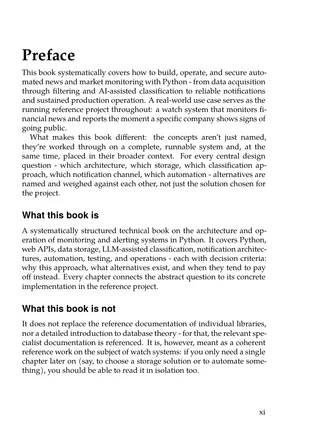
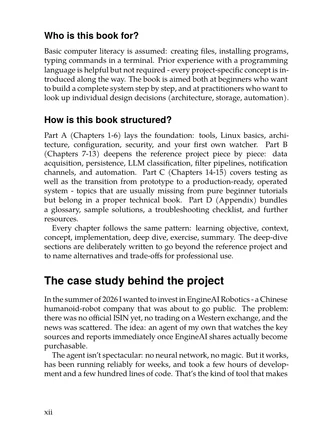
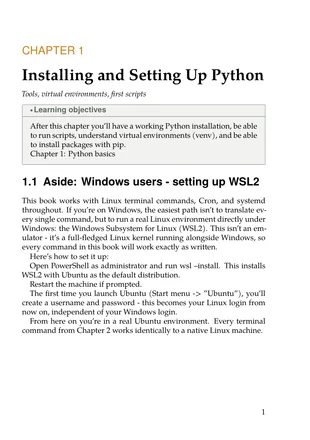
Three pages from the book: the complete foreword and the beginning of Chapter 1 (Install and configure Python, including a WSL2 note for Windows users). This gives you a genuine feel for the tone, depth and structure before you order.
Open directly in the browser: files/theme-watch-and-alert/assets/leseprobe-en.pdf
Not a toy project. The book’s end-to-end example is a productive watcher that monitors an IPO, for instance, collects and filters reports, and, if desired, delivers them via Telegram alert.
10 articles found
 7 relevant reports sent
 0 duplicates on the second run
 1 Telegram alert delivered
Described in the book. Tested with another subject. It works.
Short, practical articles around the book’s topic: to read, try out and riff on.
Switching Docker management tools? Build your own watch-and-alert pipeline for container status with SQLite and notifications to stay covered.
Monitor Docker containers with Python: query status, store in SQLite, and report state changes via ntfy. Includes sample code and common pitfalls.

Reports of a trade secrets dispute point to a general risk: whatever goes to a third-party AI service leaves your control. Sensitive feeds should be classified locally.

Self-hosted applications with an HTTP API can be plugged into a pipeline by polling. Using a workout tracker as an example: query incrementally, store in SQLite, notify on new entries.

Rotating tokens and passwords should not cause an outage. With two keys valid in parallel and a fixed order of steps, rotation works without interruption.

Anyone who sends many messages to one Telegram chat runs into rate limits. A queue, backoff with jitter and combining messages keep delivery stable.
All scripts, modules and configurations from the book are available publicly on GitHub. You can clone them, try them out and adapt them to your own subjects.
watch-alert-book / engineai-monitoring Python news & market monitor: RSS → LLM → Telegram. Reference project for the book „Watch & Alert“.
Clone the repository, create your own .env with your Telegram token, and get started.
You will find step-by-step instructions in Chapters 3 and 6.

Stephan Paul is very interested in developments in the world of IT.
This book grew from the desire not to miss the IPO of a Chinese robotics company, and from the realisation that the resulting tool is useful for many other monitoring problems.